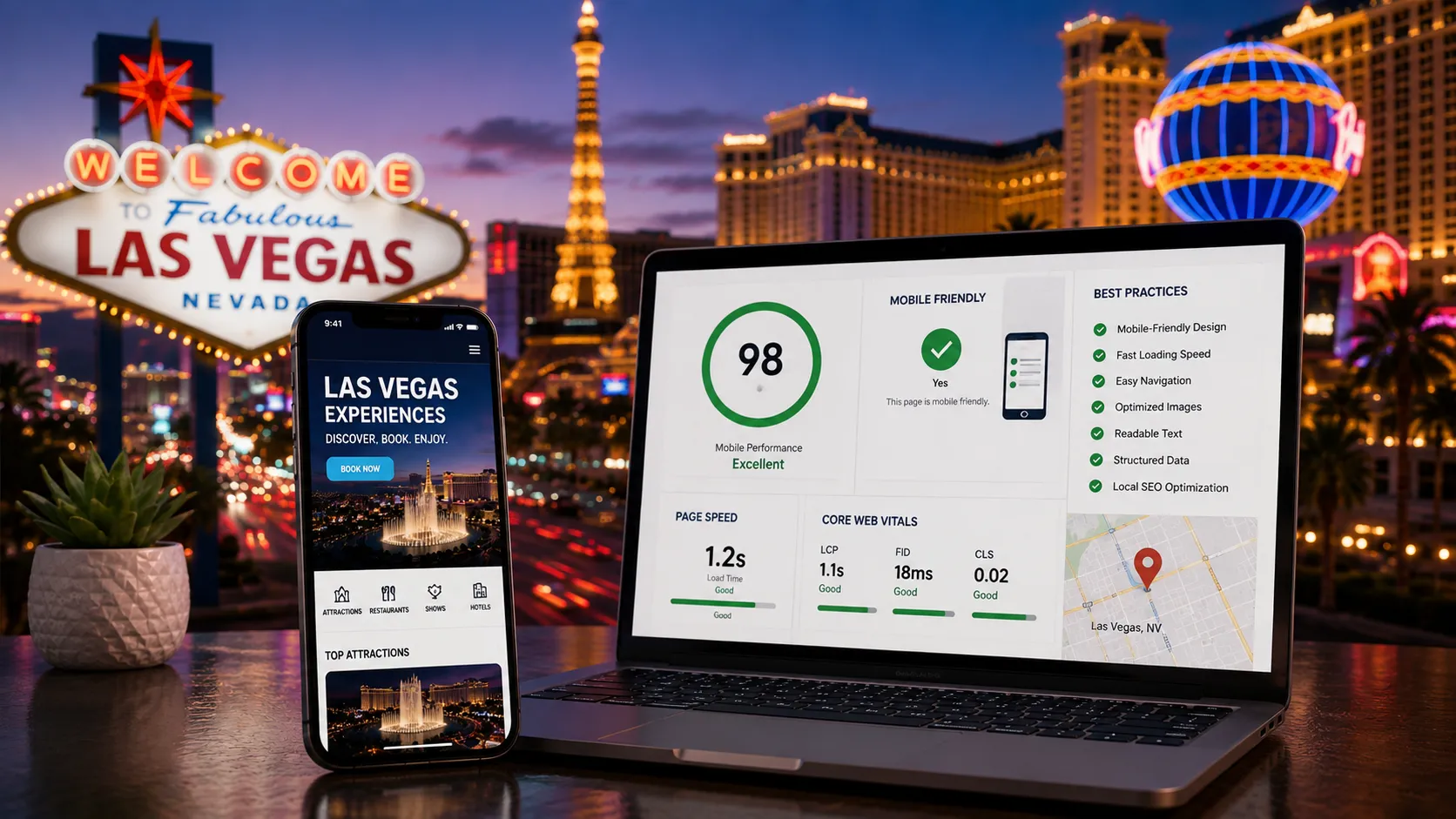
Picture a tourist standing outside their hotel, phone in hand, typing "best tacos near me" or "things to do tonight in Vegas." That search happens thousands of times a day across the city, and it almost never happens on a laptop. Las Vegas runs on tourism, and tourists search on their phones. That's why Mobile SEO Best Practices for Las Vegas Businesses aren't optional anymore — they're the difference between getting found and getting skipped.
If your website loads slowly, looks cramped on a small screen, or buries your phone number three clicks deep, you're handing customers to whoever shows up first and easiest. Let's break down what actually matters and what you can fix today.
Why Mobile Matters More in Las Vegas Than Almost Anywhere Else
Most cities have a mix of local and visitor traffic. Las Vegas is different. A huge share of the people searching for restaurants, nightclubs, spas, tours, and shops here aren't locals typing from a home computer — they're visitors on vacation, phone in one hand, deciding where to go in the next 20 minutes.
That changes what "good SEO" looks like. It's not just about ranking for a keyword. It's about ranking well on a small screen, loading fast on hotel WiFi or spotty cell service, and giving someone the exact information they need — hours, address, phone number — without making them hunt for it.
The Tourist Search Pattern
Tourist searches tend to be immediate and location-driven: "open now," "near me," "walking distance from Bellagio." These aren't people doing research weeks in advance. They're deciding right now. If your site doesn't answer fast, they move to the next result.
Site Speed: The First Thing That Loses Customers
A slow-loading site on a phone is one of the fastest ways to lose a visitor who's standing on the Strip with limited patience and limited signal. If your homepage takes several seconds to load images, most people won't wait around.
- Compress your images. Large, uncompressed photos are one of the most common causes of slow mobile load times.
- Avoid heavy pop-ups. A newsletter pop-up that covers the whole screen on mobile frustrates visitors and can hurt how Google evaluates your page.
- Test on an actual phone, not just a desktop browser. What looks fine on a laptop can be a mess on a 6-inch screen.
Design That Works With a Thumb, Not Against It
Mobile visitors don't scroll and click the way desktop users do. They swipe, tap with one thumb, and get frustrated fast if buttons are too small or menus are hard to navigate.
What Good Mobile Design Looks Like
- Buttons and links large enough to tap without zooming in.
- A "Call Now" button that's visible without scrolling.
- Menus that collapse cleanly instead of spilling across the screen.
- Text that's readable without pinching to zoom.
For a restaurant near a casino, this might mean putting the phone number and "Get Directions" button right at the top of the mobile homepage — not buried under a photo gallery.
Mobile SEO Best Practices for Las Vegas Businesses Start With Local Search
This is where a lot of local businesses miss opportunity. Tourists rely heavily on map-based search — "near me" queries, Google Maps pins, and local business listings. If your Google Business Profile isn't complete and accurate, you're invisible in exactly the moment someone is deciding where to go.
- Keep your hours updated. Nothing kills trust faster than a tourist showing up to a "closed" business that Google says is open.
- Add real photos. Interior shots, menu items, and storefronts help people decide before they even click through to your site.
- Respond to reviews. Tourists often skim recent reviews on their phone before walking in the door.
- Use your actual address consistently across your website and listings — mismatched information confuses both customers and search engines.
Think Like Someone Standing in Line at a Show
A visitor waiting for a show to start might search for a quick bite nearby. They're not going to read paragraphs of copy. They want a name, a distance, a price range, and a way to get directions in seconds. Structure your mobile pages to answer that immediately.
Content That Matches How People Actually Search
Tourists don't search the way locals do. They use phrases tied to landmarks, hotels, and convenience: "restaurants near MGM Grand," "24 hour breakfast Strip," "spa open late Las Vegas." Building content around these real, practical phrases — rather than generic industry language — helps your site show up when it matters.
Simple additions like a "Near [Landmark]" section on your location page, or an FAQ answering "Are you open on holidays?" directly addresses what tourists are actually typing into their phones.
Don't Forget the Basics That Get Overlooked
- Click-to-call phone numbers. Every phone number on your mobile site should be tappable, not just plain text.
- Clear directions link. A one-tap "Get Directions" button that opens Google Maps saves visitors real time.
- Simplified forms. If you have a reservation or contact form, make sure it's short and easy to fill out with a thumb.
Bringing It All Together
None of this requires a total website overhaul overnight. Start with the highest-impact fixes: check your page speed on an actual phone, make sure your Google Business Profile is accurate and current, and confirm your phone number and directions are easy to tap. These are the details that turn a passing search into a walk-in customer.
Las Vegas businesses that treat mobile as an afterthought are leaving money on the table every single day tourists search for what they offer. The ones that get it right show up first, load fast, and make it easy to say yes.
If you're not sure where your website stands on mobile, we can walk you through a clear, no-jargon review of what's working and what's costing you customers. Reach out and let's make sure the next tourist searching on their phone finds you first.